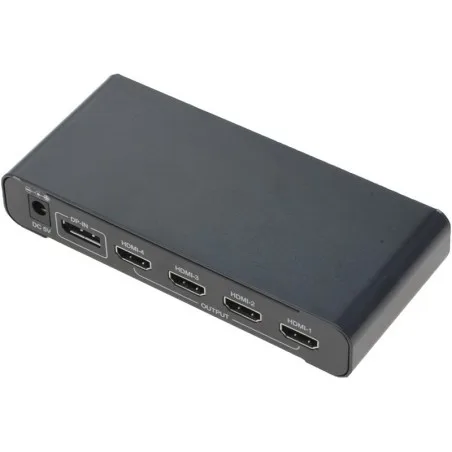
From 1 DisplayPort to 4 HDMI monitors
Horizontal Wide image distributed on 4 SIDE-BY-SIDE monitors
Input: up to 3840 x 2400 dots
Output: up to 1920 x 1200 for each monitor
Power supply included 5VDC / 2A
107.20 €
Item numberCNV-DP4HDMI
Converting from VGA (Video Graphics Array) to Composite Video involves changing the format of the video signal to make it compatible with devices that accept composite video inputs. Here are some key points to consider when performing this conversion:
1. Signal Conversion: VGA is an analog video format commonly used for computer monitors, while composite video is also an analog format used for standard-definition video, typically found in older TVs or certain displays. The conversion process involves adapting the VGA signal to a composite video format.
2. Resolution and Compatibility: VGA typically carries higher resolutions than composite video. When converting from VGA to composite, be aware that the composite video format has lower resolution. This means that some detail and clarity may be lost in the conversion.
3. Converter or Adapter: To perform this conversion, you will need a VGA to composite video converter or adapter. These devices come in various forms, including VGA to RCA (the typical connectors for composite video) adapters and standalone converter boxes. Ensure that the converter you choose is compatible with your specific devices and supports the resolution you need.
4. Supported Resolutions: Check the converter's specifications to see which VGA resolutions it can handle and whether it can downscale them to composite video's lower resolution. Make sure it meets your requirements.
5. Power Supply: Some converters may require an external power source, while others can be powered through the VGA connection. Ensure that you have the necessary power supply if required.
6. Audio Conversion: If audio is also involved, you may need a converter that can handle VGA audio, usually carried through a 3.5mm audio jack, and convert it to composite audio.
7. Compatibility with Devices: Ensure that the devices you're connecting the converter to (eg, VGA source and composite video display) are compatible with the converter's signal format. Check the inputs and outputs of all devices involved.
8. Cabling: Ensure you have the appropriate cables to connect the VGA source to the converter and the converter to the composite video display.
9. Signal Quality: The quality of the conversion can vary depending on the converter's quality. Higher-quality converters can produce better results with less signal degradation.
10. Aspect Ratio and Frame Rate: Be aware that VGA typically uses a different aspect ratio (4:3) than composite video (usually 4:3 or 16:9). Some converters allow you to adjust the aspect ratio and frame rate to match your desired output.
11. User Reviews and Recommendations: Before purchasing a converter, it's a good idea to read user reviews and seek recommendations to ensure that the product meets your specific needs and works well with your equipment.
In summary, converting from VGA to composite video is useful for connecting older VGA sources to displays that only accept composite video inputs. However, it's essential to choose the right converter, consider resolution and compatibility, and ensure that your devices are compatible with the conversion process to achieve the desired results.
From 1 DisplayPort to 4 HDMI monitors
Horizontal Wide image distributed on 4 SIDE-BY-SIDE monitors
Input: up to 3840 x 2400 dots
Output: up to 1920 x 1200 for each monitor
Power supply included 5VDC / 2A
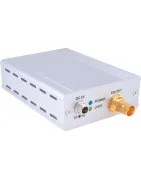
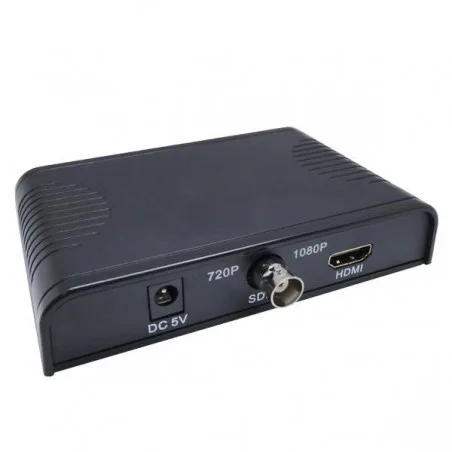
SDI to HDMI converter up to 300 meters from SDI source, depending on resolution
SDI standards: SD-SDI, HD-SDI and 3G-SDI
Power supply included 5VDC/1A
Audio is not transmitted
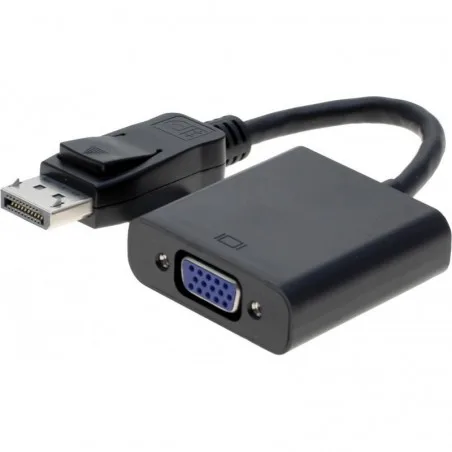
DisplayPort (digital video) to VGA (analog video) converter with short cable
DisplayPort connector with lock
cable between the two connectors to reduce the mechanical load on the PC's DP connector
Resolution up to 1920 1200
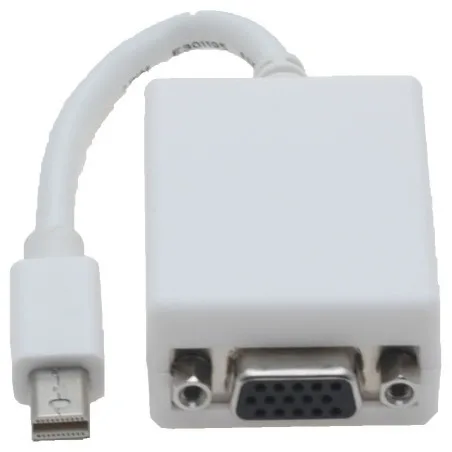
Mini DisplayPort konverter til VGA
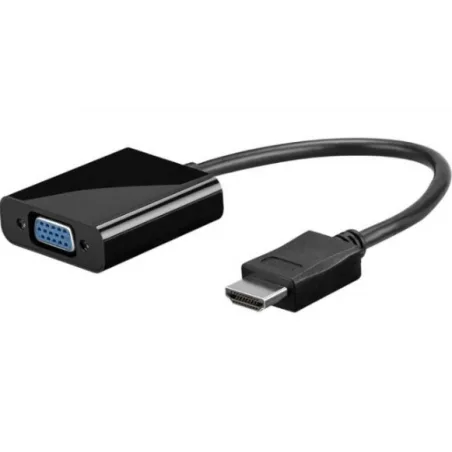
HDMI 1080p to VGA converter
with 20 cm cable
Cable relieves mechanical impact on HDMI connectors
Power supplied by HDMI source
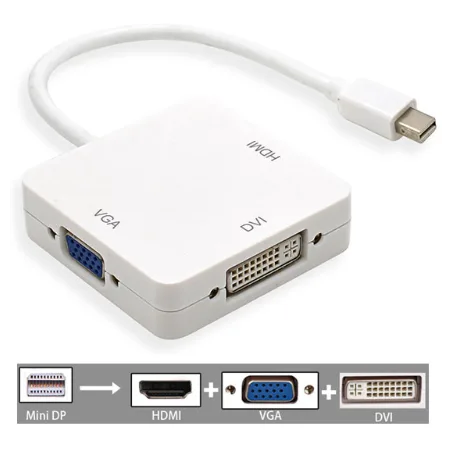
Mini DisplayPort to VGA, HDMI and DVI-D converter.
With 18 cm cable between MDP connectors and box with three outlets
Resolution HDMI / DVI / VGA: 480i / 480p, 576p, 720p, 1080i / 1080p
Bandwidth: 2.25 Gbps / 225 MHz Fun White
Dimensions: 5.9 x 5.9 x 1.5 cm
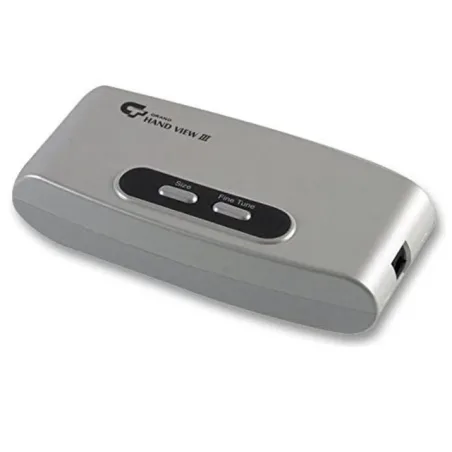
VGA to Video converter
Resolution: 1280 x 1024
Resolution, MAC: 832 x 624
VGA input: DB15HD she
VGA output for local monitor: DB15DH she
Video output: RCA Composite
Video output: S-VHS mini-DIN
Power supply: 5VDC via USB cable to the PC / PSU.
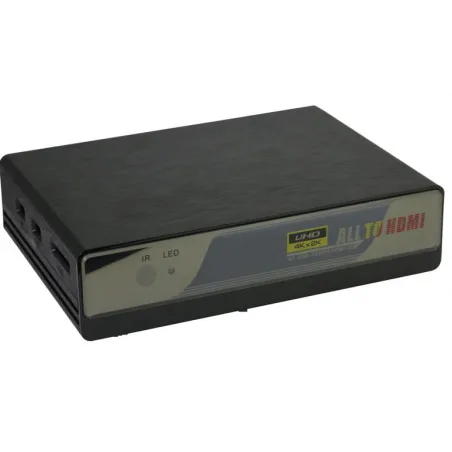
Analog video to HDMI converter with video scaler
Composite (CVBS) in
Component (YPbPr) in
VGA in
2 x HDMI in
2 x USB 2.0 for memory stick with media playing files
1 x HDMI out
Resolution of HDMI output: 480i, 720p, 1080p, 4K2K @ 30Hz.
Remote control setup (incl. but excl. CR2032 battery).
Supply voltage: 5VDC / 1A (PSU included)
Can be powered via the USB port (optional cable).
Dimensions: 172 x 130 x 43 mm (W x D x H)
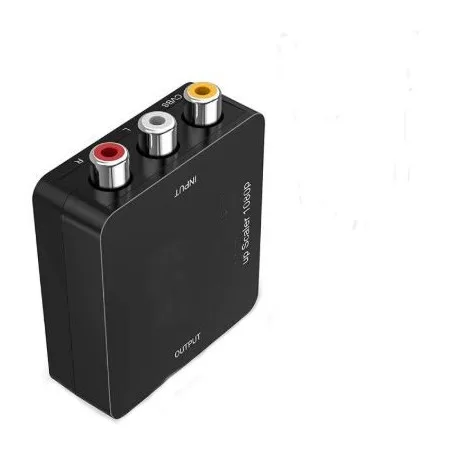
CVBS Composite Video and Sound for HDMI Converter
NTCS / PAL Compatible
Switch between Resolution of 720 Pixel and 1080 Pixel - Scalering
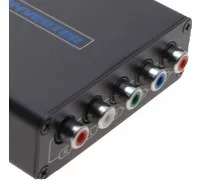
3 x Phono (RCA) for 1 x HDMI She
Audio Input With RCA connection (phono)
BNCF-PHONOM canbe usefull
Mini USB - USB cable 0.5m included
Plug Play No driver
HDMI 1.2 Compatible
HDMI output: 1080p @ 60Hz, 720p @ 60Hz
Size: 66 x 55 x 20 mm
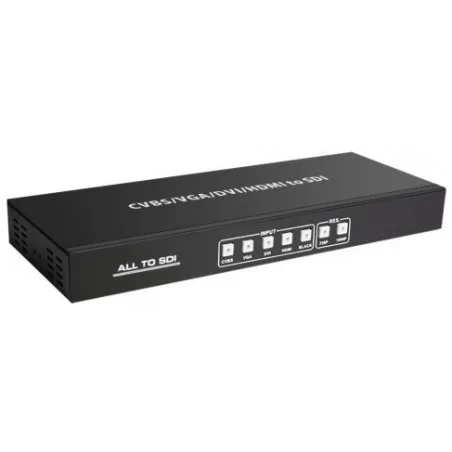
Multi format Video format Convert to SDI
Video In: HDMI, DVI, VGA and Composite Video (BNC / RCA)
2 x SDI output simultaneously
SDI output up to 100 meters at 3G- SDI or 200 meters at HD-SDI
Scales input signal for HD-SDI or 3G-SDI
HD input: VGA @ 60Hz ~ SXGA @ 60Hz 480i ~ 1080p @ 60Hz
VGA / DVI Input Timing: VGA @ 60Hz ~ 1920 × 1080 @ 60Hz.
Composite video input: NTSC, Pal, Secam
Supports black screen Signal output.
12VDC / 2.5A Power supply included
Size: 288 x 110 x 32 mm
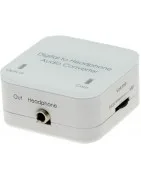
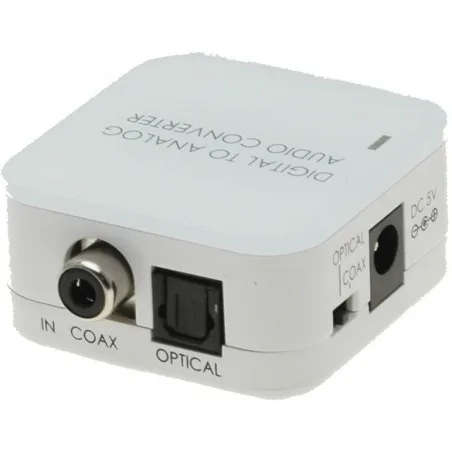
Digital ljud konverter til 2 x analog phono stik
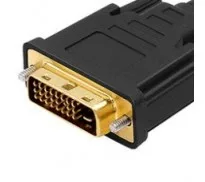
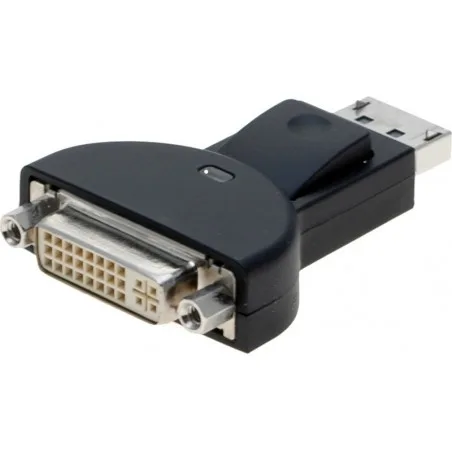
DisplayPort (DP) to DVI-D (digital) converter - DP and DVI-D are the same video format
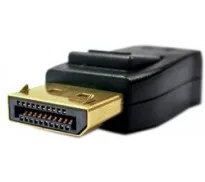
DisplayPort connector with lock.
No transfer of sound
Be aware of mechanical stress on the DP connector, as the DVI cable is strong
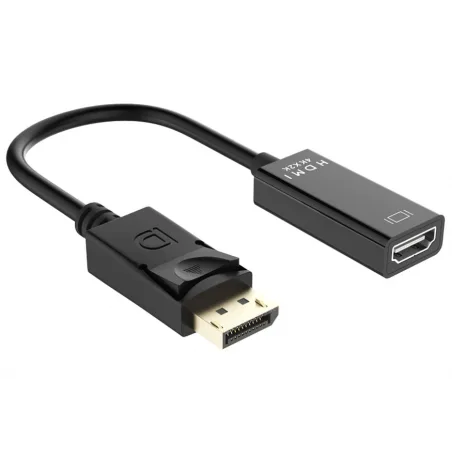
DisplayPort to HDMI adapter cable, 15cm
Opløgning up to: 4096 x 2160 (UHD / 4K), 3D, 30 Hz
DP 1.2, HDMI 1.4
3D support
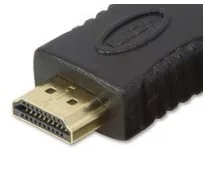
DisplayPort Male to HDMI Female
Gold plating on the connector
15cm cable
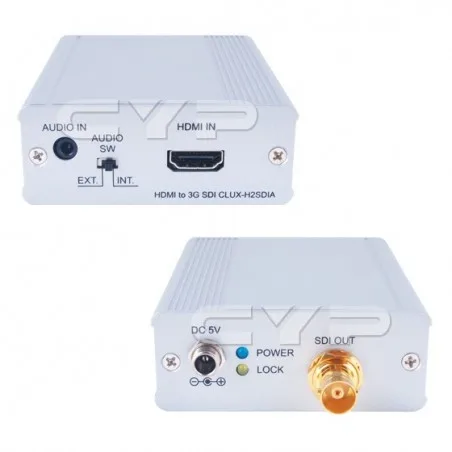
HDMI to SDI converter up to 300 meters depending on resolution
SDI standards: SD-SDI, HD-SDI and 3G-SDI
Power supplied 5VDC / 2.6A
Can also be used from DVI D for SDI (no sound)
When DVI-D is used kable with DVI and HDMI connectors
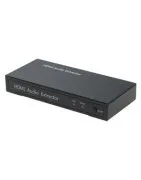
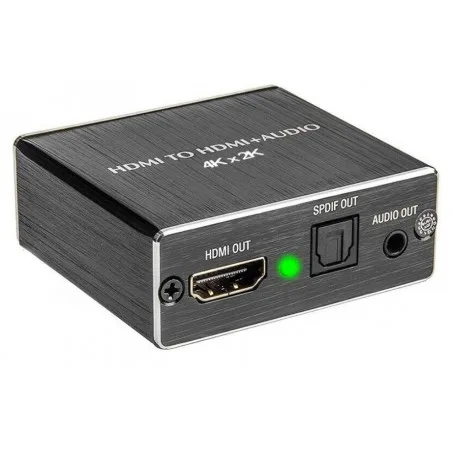
HDMI Audio Extractor
Pulls audio out of HDMI stereo / 5.1CH
1 x HDMI input
1 x HDMI loop out output
1 x Audio / audio 3.5mm jack
1 x Sound / Tosilink
Analog stereo audio signal to headphone or audio amplifier
Digital audio (optical) for TOSLINK
2 CH stereo or 5.1 CH Dolby Digitlal
HDMI with EDID
Powered via the USB port
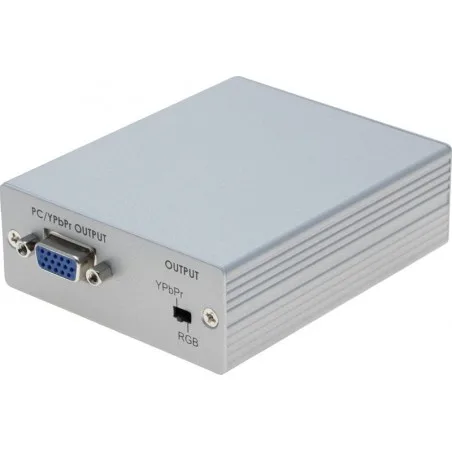
VGA to DVI-D (Digital)
Component for DVI-D
Analog input: 1920 x 1200 @ 60Hz
DVI-D output HD: 1920 x 1080p
With EDID
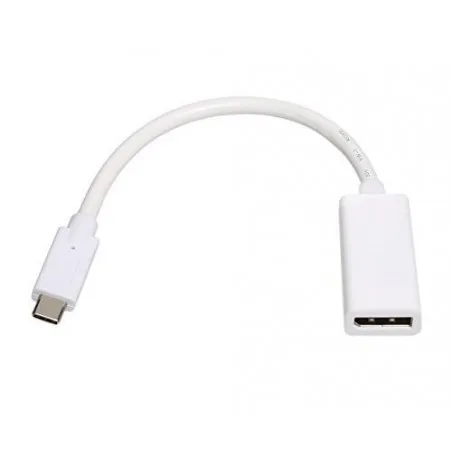
USB 3.1C til DisplayPort (DP) Adapter - grafikkort
Opløsning op til 1080p og 4K2K
USB 3.1C han til DP hun
15 cm kabel mellem de 2 stik
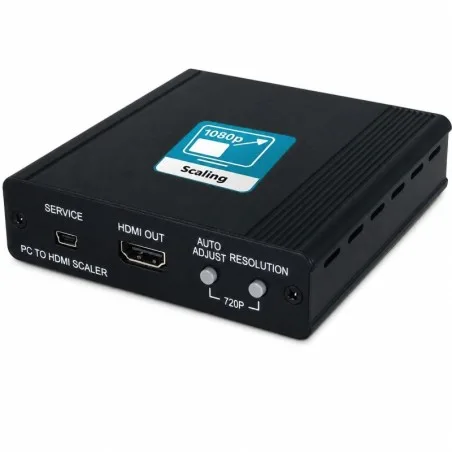
VGA to HDMI video scaler
1 x VGA input
1 x 3.5mm stereo audio input
1 x HDMI output
HDMI 1.3 / DVI 1.0 compliant
HDCP 1.4
1080p60 12-bit output
Supports up to WUXGA 1920x1200
480i to 1080p scaling
Aluminum chassis, black
102 x 25 x 102mm (case only)
5V / 2.6A DC, 4.6W
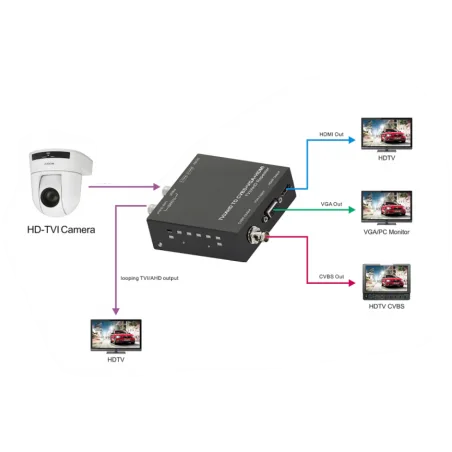
The converter AHD / TVI / CVI / CVBS (BNC) video signal to Composite, VGA, HDMI MAX. 1080p
Input: AHD / TVI / CVI / CVBS (BNC) (4k, 8MP)
Loop-OUT: same signal as on the input
CVBS output
VGA Output MAX. 1080p
Output HDMI MAX.1080p
Up to 300 meters over coax cables
Supports cascade connection
Supply voltage: 5–12 VDC (typically 5 V adapter included)
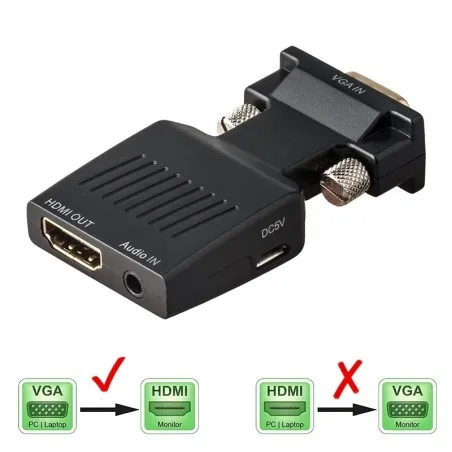
VGA to HDMI with audio
Audio input from PC integrated into HDMI signal
Max. 1080p
Power supply: 5VDC via USB, cable included