We reserve the right to change prices due to fluctuating component prices. Items marked "On its way in" are shown with a guide price. Even for items that are "Physically in stock", the price may change at the next delivery.
Call us now
+45 56 66 20 20
Send us an email
salg@danbit.dk
Item numberMUS-USB-ERGO-BALL
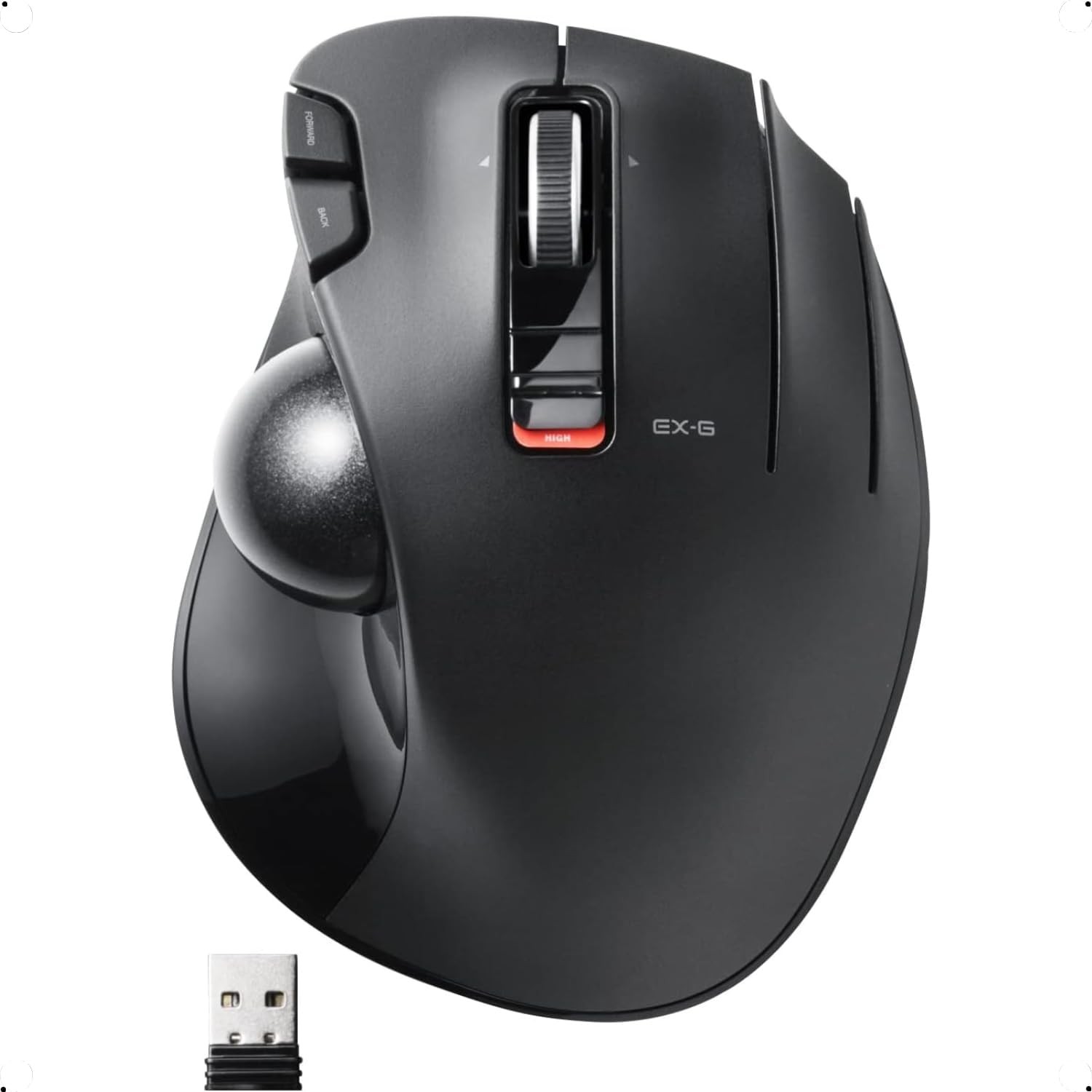
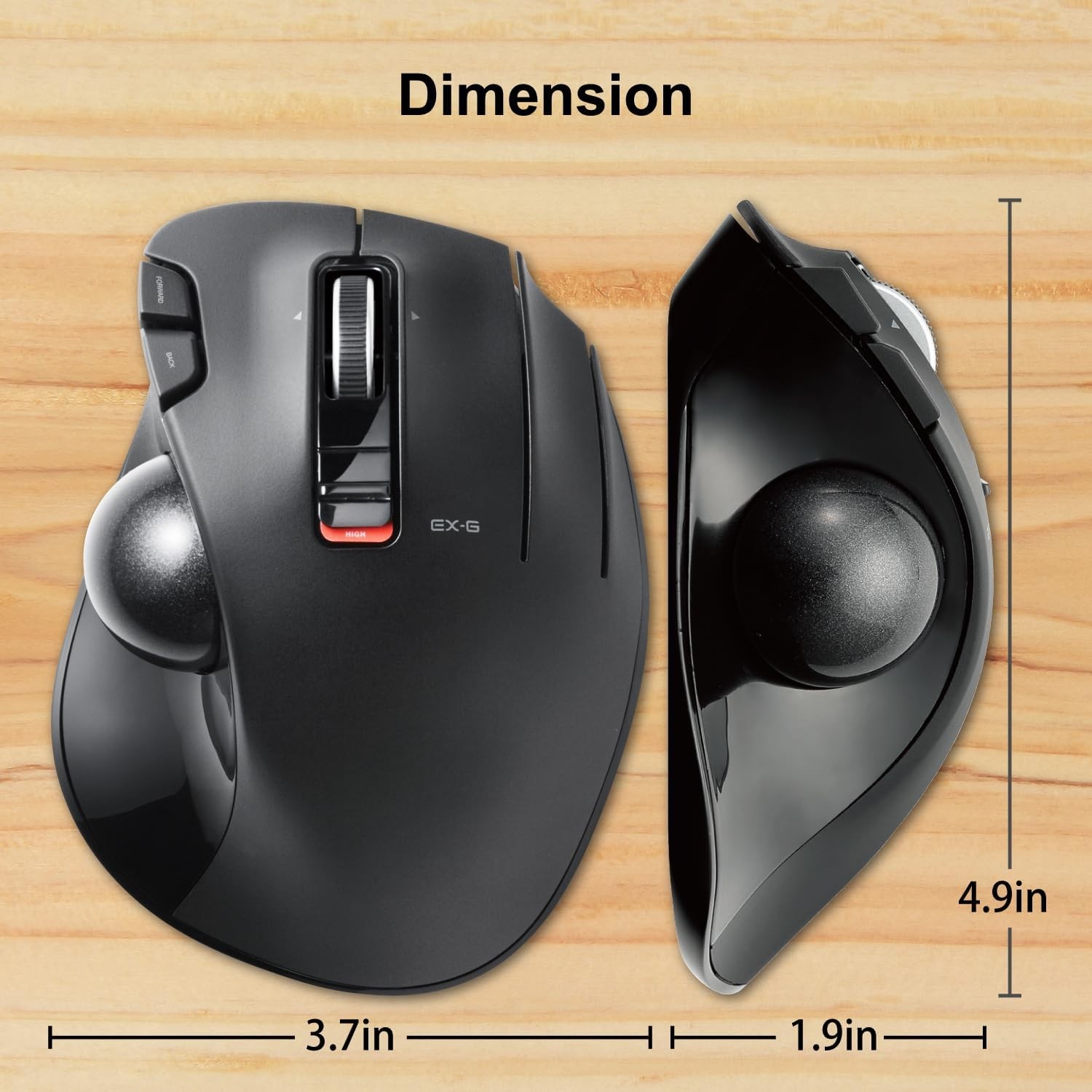
Wireless trackball mouse, 6 programmable buttons, 34 mm ball, 750/1500 DPI, ergonomic, black
Windows Vista, Windows 7, Windows 8.1, Windows RT8.1, Windows 10 or newer (incl. Windows 11), macOS 10.10 or newer
Programmable buttons
Button functions can be customised with ELECOM Mouse Assistant software (download from the ELECOM USA website)
Tilt wheel
Scroll wheel with tilt function for horizontal scroll (horizontal scroll does not work in Windows RT8.1)
Ball diameter
34 mm ball, held in place by ball bearings
Removable ball
The ball can easily be pushed out through the hole in the base and cleaned
Ergonomic Trackball Mouse with 6 Programmable Buttons
This trackball mouse is a stationary pointing device for users who want precise cursor control with less hand and wrist movement. The 34 mm ball is operated with the fingers, so the mouse itself does not need to be moved across the desk. It suits workstations with limited desk space and users who work with a pointer for long periods.
Shape Designed to Reduce Wrist Strain
The body is shaped around the folding movements of the hand and is meant to reduce strain on the wrist and muscles. A tilt function in the grip supports a more natural hand position. The optical sensor tracks the ball for accurate movement, and the ball can be pushed out through a hole in the base for easy cleaning.
Six Buttons and Two DPI Levels
Six buttons are available, including horizontal scroll through tilting the scroll wheel. The button functions can be customised with the ELECOM Mouse Assistant software. A DPI button switches between 750 and 1500 DPI, so the cursor speed can be matched to the task. The mouse works with Windows and macOS, but horizontal scroll is not supported in Windows RT 8.1.
Other products in the same category:
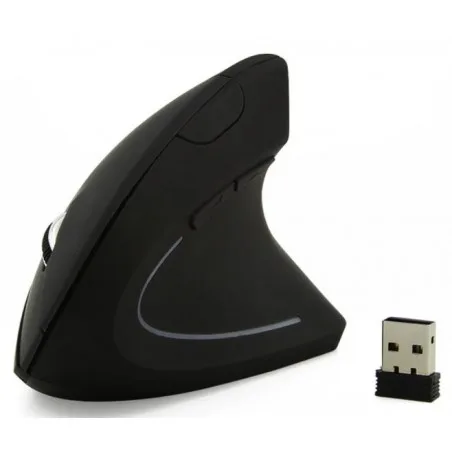
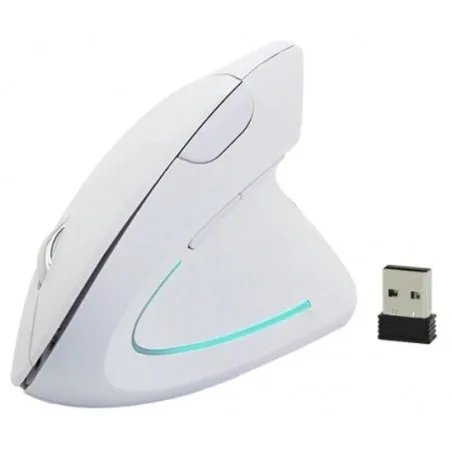
Ergonomic wireless USB mouse with scroll - prevent mouse damage, black
Ergonomic Optical Mouse
Wireless - RF - Range up to 10m
USB
5 Buttons
Scroll
Backlight
Plug & Play
Uses: 2 x AA type of battery
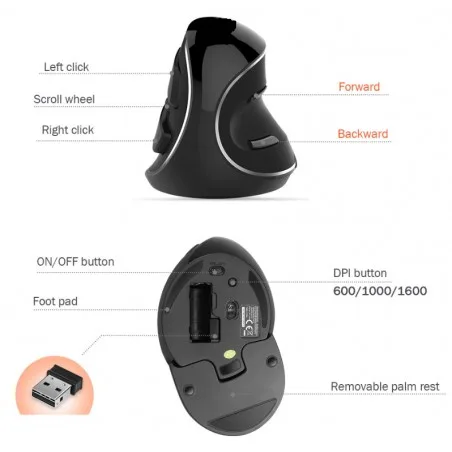
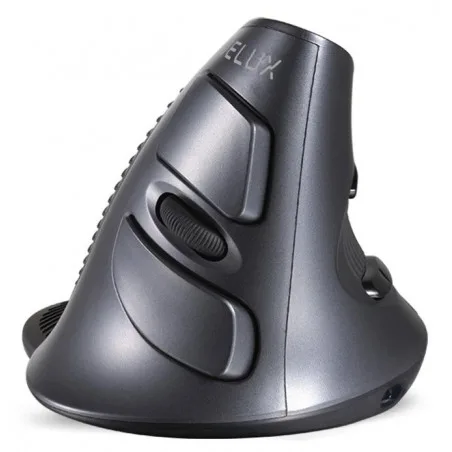
Ergonomic wireless USB mouse with scroll - prevents muscle damage
Ergonomic optical mouse
Wireless - RF - range up to 10m
USB
800/1000/1600 dpi (adjustable)
6 buttons
Scroll
Plug & Play
Uses: 2 x AA type battery
USB dongle included